Sharing your Dashboard
Last updated: March 30, 2026
You can share a read-only view of your brand dashboard with teammates, clients, or stakeholders — no login required.
To create a shared link:
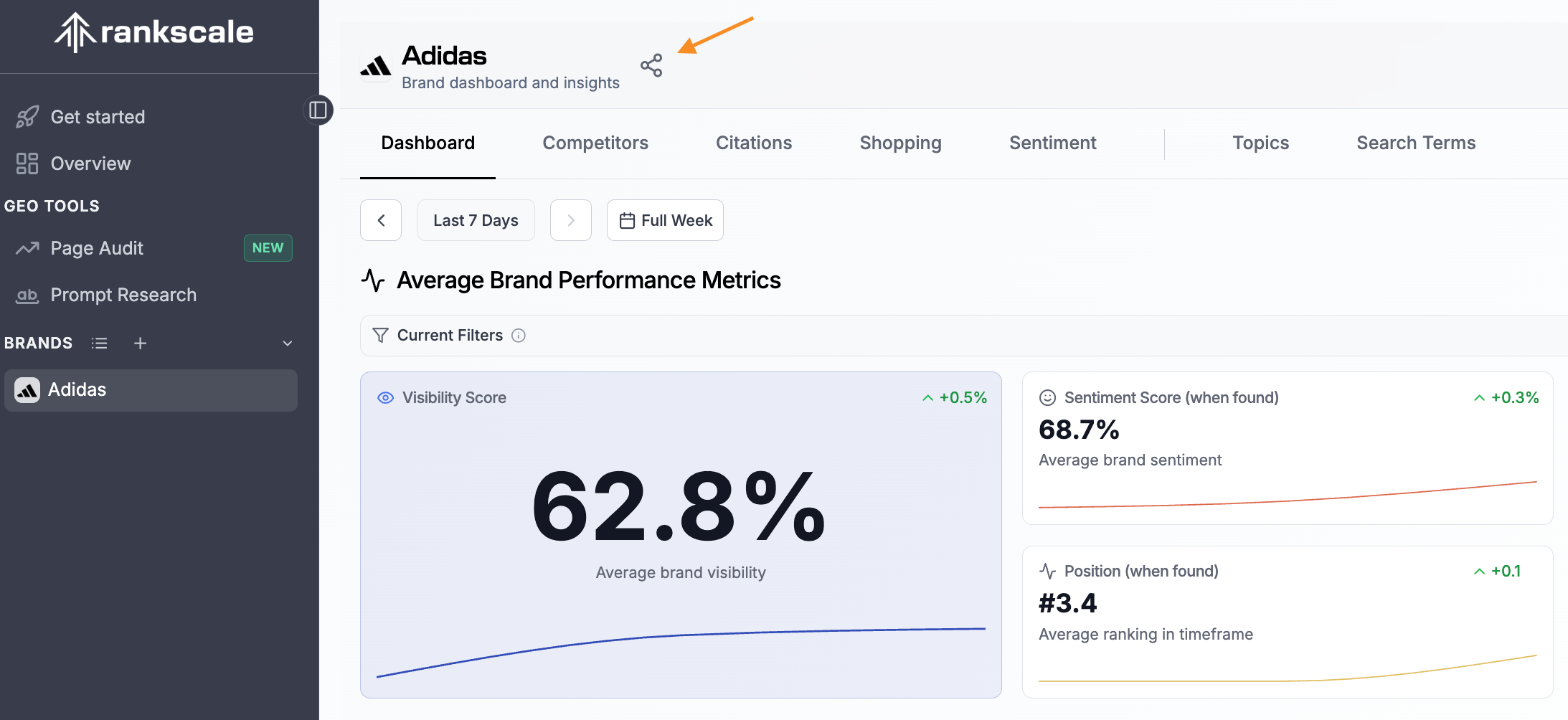
Click the share icon next to your brand name at the top of the dashboard.
In the Share Dashboard dialog, choose which tabs to include by toggling them under Visible tabs (e.g., Dashboard, Competitors, Citations, Shopping, Sentiment).
Under Filter behavior, select how viewers interact with your filters:
Start with current filters — The link opens with your current filter selection, but viewers can change filters on their own.
Lock current filters — Viewers see exactly what you see and cannot modify the filters.
Click Create link to generate your unique shareable URL.
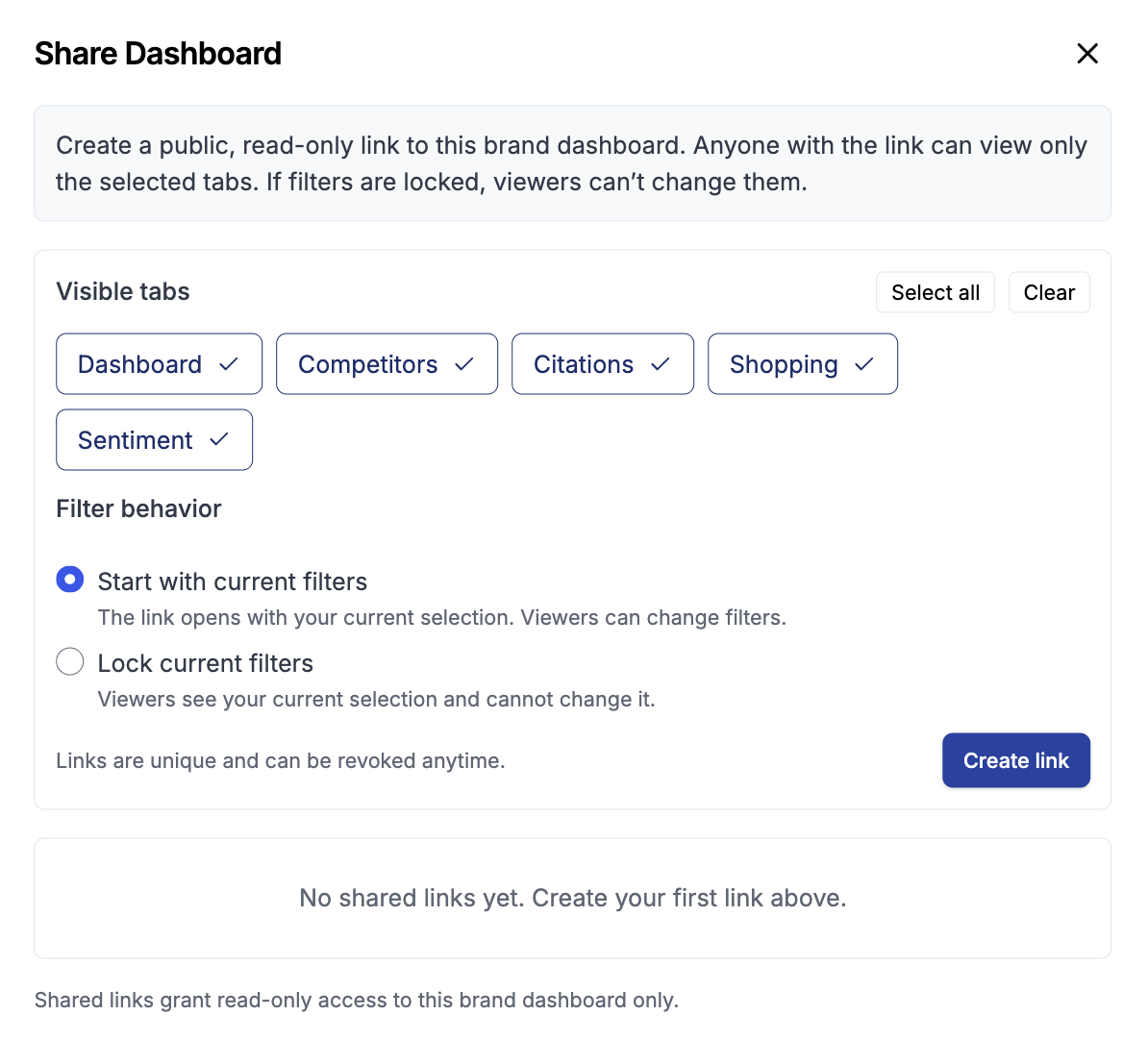
Each shared link is unique and grants read-only access to the selected brand dashboard only. You can revoke any shared link at any time.